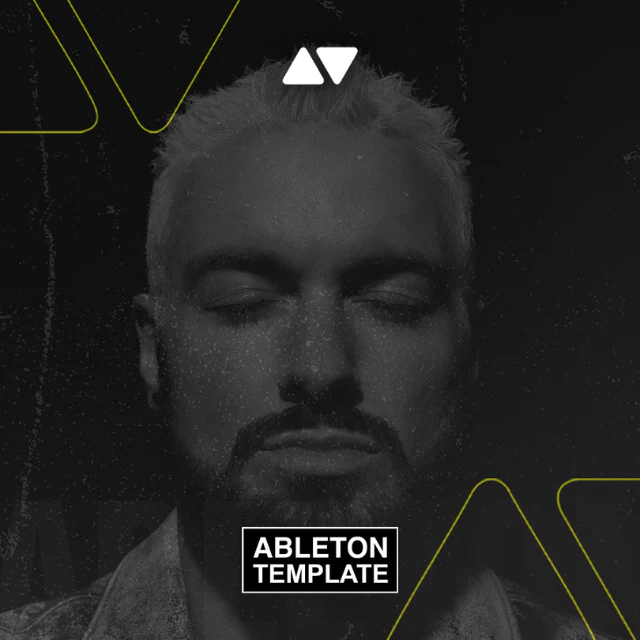
50 Cent – In Da Club Ableton Hip-Hop Template (Tony Effe Style)
Ableton Hip-Hop Template — 50 Cent 'In Da Club' Style (Tony Effe Production Style)
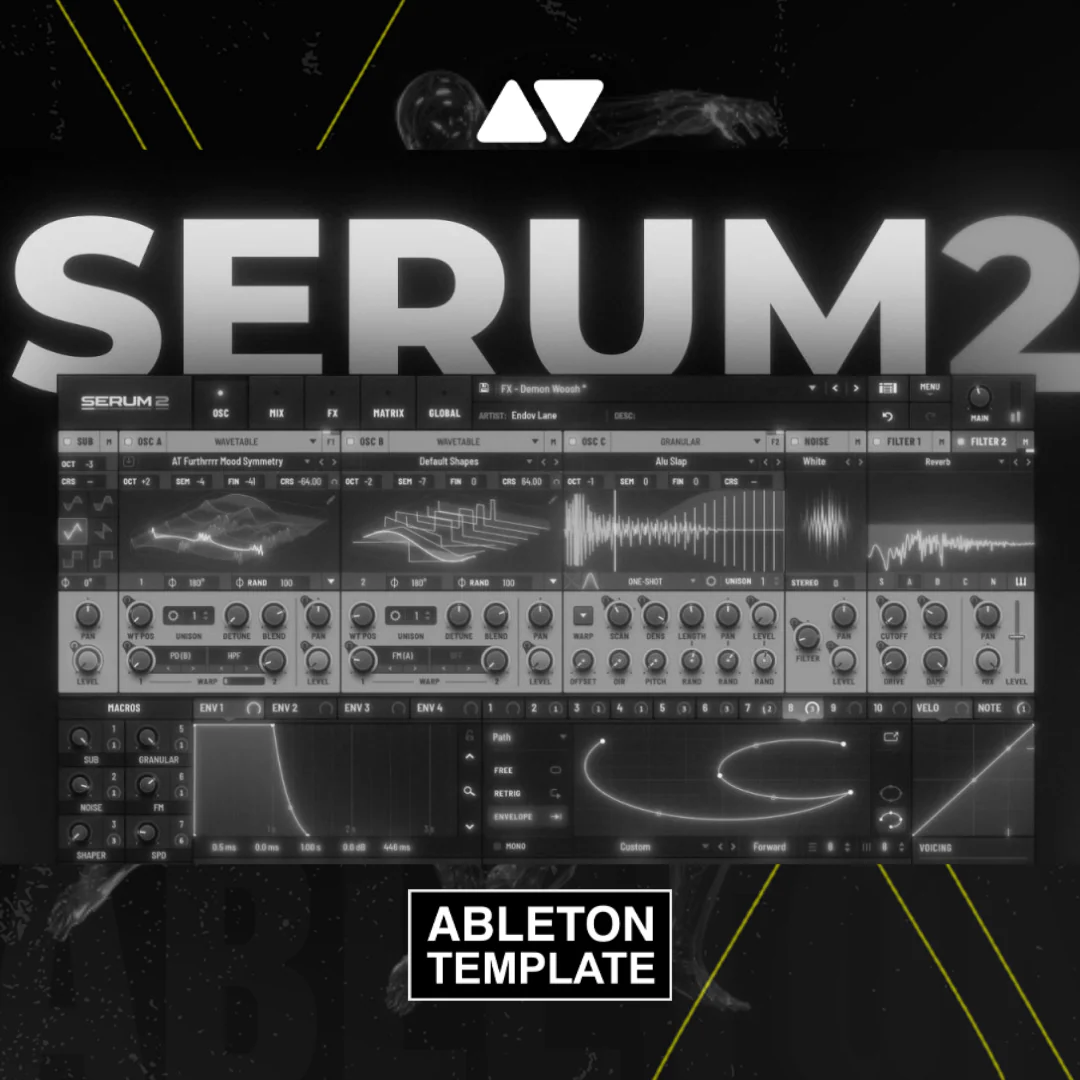
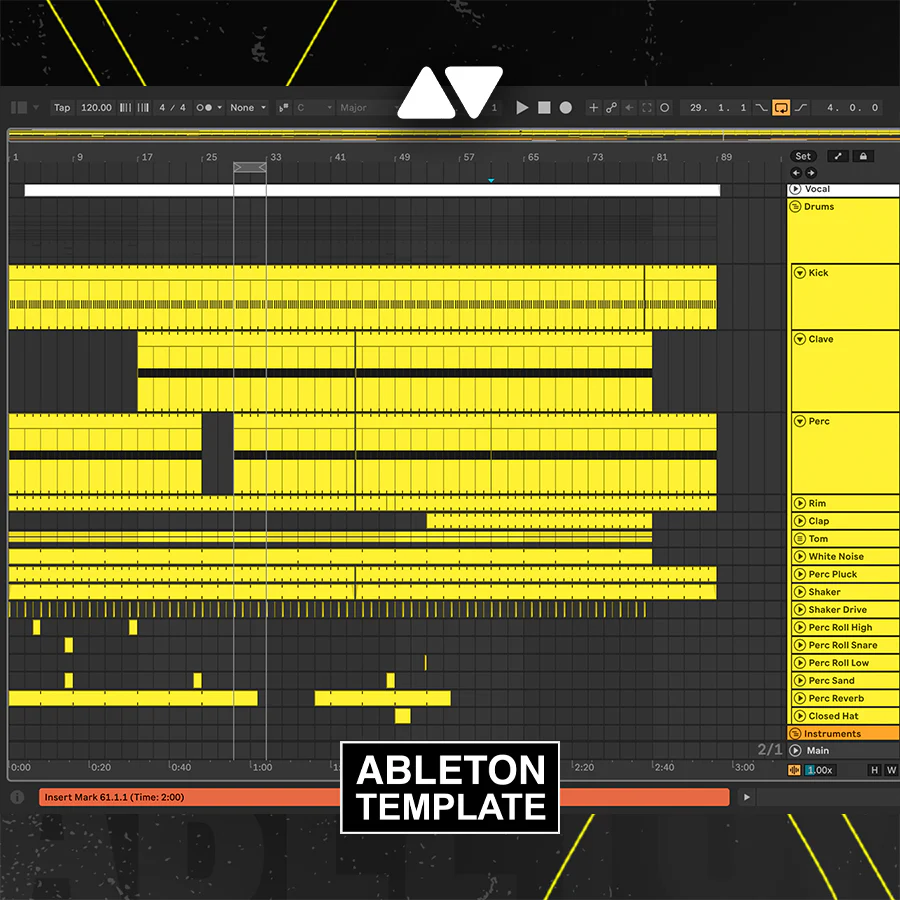
This Ableton Live project reconstructs the production aesthetic of 50 Cent's In Da Club through a Tony Effe-influenced workflow. It is a fully arranged, 2:29 hip-hop session built in Ableton Live 10.1+, using Serum for synthesis and Kickstart v2 for low-end shaping. All drum samples are included in the project zip. Designed for music producers at any level who want to study professional signal routing, automation, and instrument management inside a real-world hip-hop session.
Template Specifications
- DAW: Ableton Live 10.1 or higher
- Required Plugins: Serum, Kickstart v2
- Optional: Grand Piano Pack (Ableton)
- Key: D♭ Major
- Length: 2:29
- File Size: 11.5 MB
- Genre: Hip-Hop
- Drum Samples: Included in project zip — no additional purchases required
What You Will Learn
- Signal routing: Trace every audio and MIDI path from instrument to master
- Automation: Study clip and track automation for dynamics and movement
- Instrument management: See how Serum patches are layered with sampled elements
- Low-end design: Understand sidechain compression via Kickstart v2 on kick and bass
- Hip-hop drum programming: Inspect sample placement, velocity, and groove quantisation
Who This Template Is For
- Beginner producers learning Ableton Live's session and arrangement view
- Intermediate producers studying hip-hop mixing and sound design workflows
- Artists wanting to replicate a Tony Effe or classic 50 Cent sonic reference
Known Requirements & Tradeoffs
This project requires Serum (Xfer Records) and Kickstart v2 (Nicky Romero / Cableguys) — both sold separately. Without these plugins, instrument channels will display as disabled in Ableton. The Grand Piano Pack is optional; the session functions fully without it, though one instrument track may show a missing device warning.
Frequently Asked Questions
- Q: What version of Ableton Live do I need?
- Ableton Live 10.1 or any higher version (Suite, Standard, or Intro with compatible devices).
- Q: Do I need to buy extra samples?
- No. All drum samples are bundled inside the project zip file at no additional cost.
- Q: Is this template good for learning signal routing as a beginner?
- Yes. Every routing path is labelled and visible in the session, making it practical for self-directed learning.
- Q: Can I use this template to make my own tracks?
- Yes. The project is fully editable — swap samples, adjust Serum patches, and rearrange sections to build original material.
- Q: Does this work with Ableton Live Lite?
- Ableton Live Lite has a track limit that may restrict the full session from loading correctly. Live Standard or Suite is recommended.
Original: $69.00
-65%$69.00
$24.15Product Information
Product Information
Shipping & Returns
Shipping & Returns
Description
Ableton Hip-Hop Template — 50 Cent 'In Da Club' Style (Tony Effe Production Style)
This Ableton Live project reconstructs the production aesthetic of 50 Cent's In Da Club through a Tony Effe-influenced workflow. It is a fully arranged, 2:29 hip-hop session built in Ableton Live 10.1+, using Serum for synthesis and Kickstart v2 for low-end shaping. All drum samples are included in the project zip. Designed for music producers at any level who want to study professional signal routing, automation, and instrument management inside a real-world hip-hop session.
Template Specifications
- DAW: Ableton Live 10.1 or higher
- Required Plugins: Serum, Kickstart v2
- Optional: Grand Piano Pack (Ableton)
- Key: D♭ Major
- Length: 2:29
- File Size: 11.5 MB
- Genre: Hip-Hop
- Drum Samples: Included in project zip — no additional purchases required
What You Will Learn
- Signal routing: Trace every audio and MIDI path from instrument to master
- Automation: Study clip and track automation for dynamics and movement
- Instrument management: See how Serum patches are layered with sampled elements
- Low-end design: Understand sidechain compression via Kickstart v2 on kick and bass
- Hip-hop drum programming: Inspect sample placement, velocity, and groove quantisation
Who This Template Is For
- Beginner producers learning Ableton Live's session and arrangement view
- Intermediate producers studying hip-hop mixing and sound design workflows
- Artists wanting to replicate a Tony Effe or classic 50 Cent sonic reference
Known Requirements & Tradeoffs
This project requires Serum (Xfer Records) and Kickstart v2 (Nicky Romero / Cableguys) — both sold separately. Without these plugins, instrument channels will display as disabled in Ableton. The Grand Piano Pack is optional; the session functions fully without it, though one instrument track may show a missing device warning.
Frequently Asked Questions
- Q: What version of Ableton Live do I need?
- Ableton Live 10.1 or any higher version (Suite, Standard, or Intro with compatible devices).
- Q: Do I need to buy extra samples?
- No. All drum samples are bundled inside the project zip file at no additional cost.
- Q: Is this template good for learning signal routing as a beginner?
- Yes. Every routing path is labelled and visible in the session, making it practical for self-directed learning.
- Q: Can I use this template to make my own tracks?
- Yes. The project is fully editable — swap samples, adjust Serum patches, and rearrange sections to build original material.
- Q: Does this work with Ableton Live Lite?
- Ableton Live Lite has a track limit that may restrict the full session from loading correctly. Live Standard or Suite is recommended.